Hardware Wallet vs Software Wallet
Hardware wallet vs software wallet: where each one stores your private key, what they cost, and which setup fits savings and airdrop farming.

DeFi Farmer Research Desk
Sep 11, 2026 · 13 min read
In brief. A software wallet keeps your private key on an internet-connected phone or computer; a hardware wallet keeps it on a dedicated offline device. Use a hardware wallet for long-term holdings and a separate low-balance software wallet for daily farming.
On this page10 sections
The hardware wallet vs software wallet choice comes down to one question: where does your private key live, and who can reach it? A software wallet stores the key on your phone or computer, an internet-connected device that malware and phishing target every day. A hardware wallet stores the key inside a dedicated device that signs transactions without exposing the key to any online machine. This guide compares both and ends with the wallet split we recommend for airdrop farming.
US price and source check: September 9, 2026. Every product detail below comes from the official pages linked in this article. This is desk research; we did not buy, unbox, or test any device.
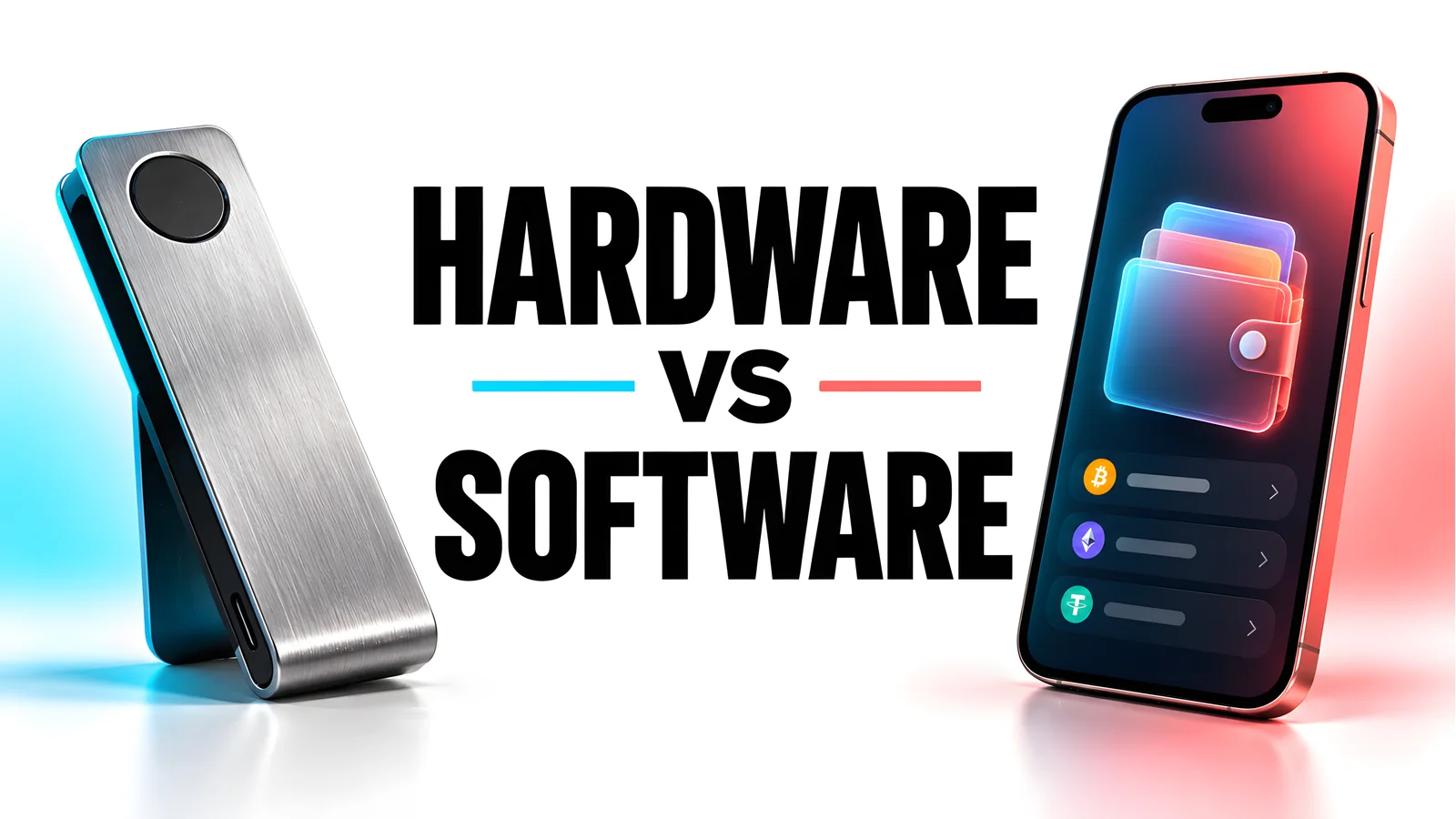
Hardware vs software wallet: the one-minute comparison
| Software wallet | Hardware wallet | |
|---|---|---|
| Key storage | Encrypted on your phone, browser, or computer | Inside a dedicated offline device |
| Who can reach the key | Malware, phishing pages, unlocked-device access | Whoever holds the device, its PIN, or the recovery phrase |
| Attack surface | Device compromise, malicious approvals, fake apps | Physical theft, supply-chain tampering, phrase phishing |
| Typical cost | Free | From $59 (Ledger Nano S Plus list price) |
| Convenience | Instant signing, built-in swaps, direct dapp links | Connect the device, confirm on its screen |
| Recovery | Seed phrase backup | Seed phrase backup; the device itself is replaceable |
| Examples | MetaMask, Rabby, Phantom | Ledger Nano S Plus, Trezor Safe 3 |
Long-term value belongs in the hardware column; daily DeFi needs the software column's speed. Most experienced users run both.
What is a software wallet?
A software wallet, also called a soft wallet, is an app that stores your private key on a general-purpose device, such as a browser extension or mobile app. That device browses the web, installs extensions, and runs other apps; each activity is a path to the key.
The major examples are free:
- MetaMask is the most widely used wallet for Ethereum-compatible networks. Its site claims over 100 million downloads across Google Play, the App Store, and the Chrome Web Store, and advertises transaction protection up to $10,000; read the eligibility terms before counting on it.
- Rabby focuses on EVM chains and, per its site, simulates the outcome of a transaction before you sign. Simulation helps you spot drainers; it is not a guarantee.
- Phantom started on Solana and now presents itself as a multi-chain trading app.
Convenience is the point. The trade-off: if malware reads your device or a phishing page tricks you into revealing the phrase, the attacker has everything. Our digital wallet scam guide shows how those thefts happen.
What is a hardware wallet?
A hardware wallet is a small device built to do one job: hold your private key and sign transactions. The unsigned transaction goes in over USB or Bluetooth, the device shows the details on its own screen, you confirm with physical buttons, and the signed transaction comes back out. The key never leaves the chip.
Two entry-level examples, from official pages checked September 9, 2026:
- Ledger Nano S Plus: listed at $59. It uses a Secure Element chip (ST33K1M5) certified CC EAL6+, a 1.1-inch monochrome OLED display, and USB-C for desktop and Android. Listed size is 62.4 x 17.4 x 8.2 mm at 21 g. The box adds a USB-C to USB-A cable, three recovery sheets, a keychain strap, and a safety leaflet.
- Trezor Safe 3: open-source design with a Secure Element certified EAL6+, on-device PIN and passphrase entry, and 12-, 20-, and 24-word backups including multi-share backup. Listed size is 59 x 32 x 7.4 mm at 14 g. The box adds a USB-C cable, two 20-word backup cards, a start-up guide, and stickers.
Trezor's Safe 3 product page, variant page, comparison page, and store page did not show a US price in the content we retrieved on September 9, 2026. We are not quoting a figure from memory or resellers. Check the official store for the current price.
View as table
| Wallet entry cost | Listed price |
|---|---|
| MetaMask | 0.00 USD |
| Rabby | 0.00 USD |
| Phantom | 0.00 USD |
| Ledger Nano S Plus | 59.00 USD |
For more models, see our best hardware wallet 2026 roundup.
How signing differs on each type
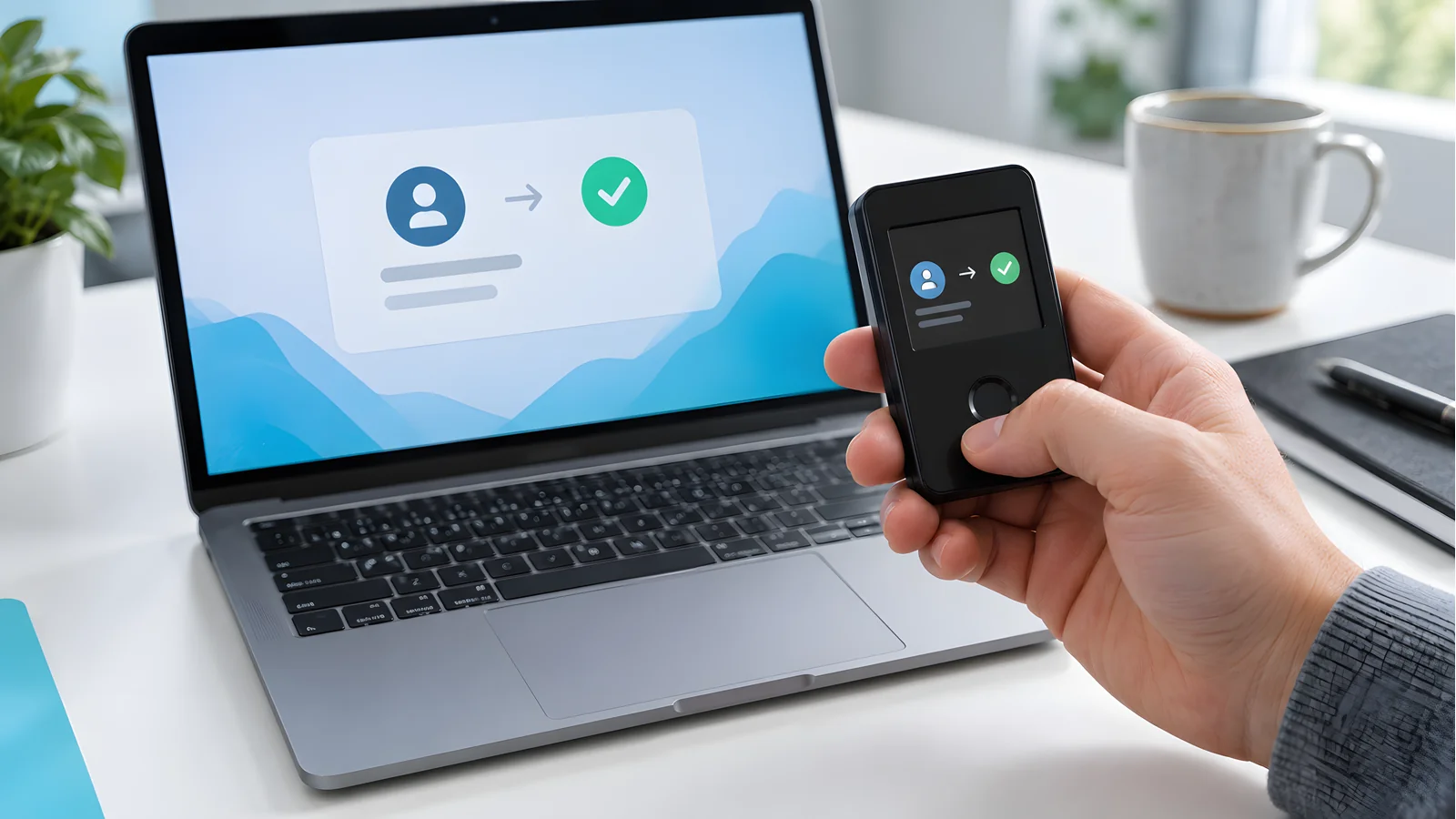
The signing flow is where the security difference becomes concrete.
- 01
Build
The dapp or wallet app constructs the transaction on your phone or computer.
- 02
Sign
The private key stored on that same device signs inside the extension or app.
- 03
Broadcast
The signed transaction goes straight to the network.
- 04
Risk point
You approved whatever the screen showed. Malware can change what you see.
- 01
Build
Your computer constructs an unsigned transaction.
- 02
Send to device
The unsigned data travels to the hardware wallet over USB or Bluetooth.
- 03
Verify
The device shows the transaction on its own screen. You confirm with its buttons.
- 04
Sign and return
The key signs inside the device. Only the signed transaction returns for broadcast.
The hardware wallet's own display matters. A compromised computer can lie about what you are signing on its monitor, but it cannot repaint the device's screen. Confirm the address and amount on the device, not on the computer.
Hot storage, cold storage, and the rest of the vocabulary
Searchers use overlapping terms, so here is the mapping:
- Hot storage wallet: any wallet whose key sits on an internet-connected device. Software wallets are hot storage. Exchange accounts are hot too, and custodial: the platform holds the keys, not you.
- Cold storage: keys kept offline. Hardware wallets are the practical option today; paper wallets were the historical one.
- Soft wallet and hard wallet: informal shorthand for software and hardware wallets. Same comparison, different words.
- Self-custody vs custodial: a separate axis. Both wallet types can be self-custodial, meaning you hold the keys. Our decentralized wallet explainer covers that distinction.
Paper wallet vs hardware wallet

A paper wallet is a printed private key and address, usually generated by a website. The Bitcoin wiki describes it as an obsolete and unsafe method popular between 2011 and 2016, and its failure list explains why the practice died:
- Printing leaks keys. Many printers keep an internal copy of printed documents, shared printers are centrally logged, and a key sent over WiFi can be intercepted.
- One address encourages reuse. Paper wallets hold a single address, pushing users toward address reuse, and the generator sites did not warn about it.
- Redemption is error-prone. The safe method is a full sweep of the balance into a new wallet. Handling raw keys directly, or spending partial amounts, caused documented losses.
- Tiny print causes misreads. A B read as an 8 invalidates the whole key, and there are no friendly tools for fixing mistakes.
- Generator sites pushed brainwallets. Many bundled an insecure passphrase-to-key feature without adequate warnings.
A hardware wallet fixes each of these: the key is generated offline, no printer is involved, fresh addresses are automatic, and recovery uses a handwritten seed phrase. If you still hold funds on an old paper wallet, sweep the full balance into a current wallet, and back up that phrase with our seed phrase storage guide.
When each type fits: the DeFi Farmer answer
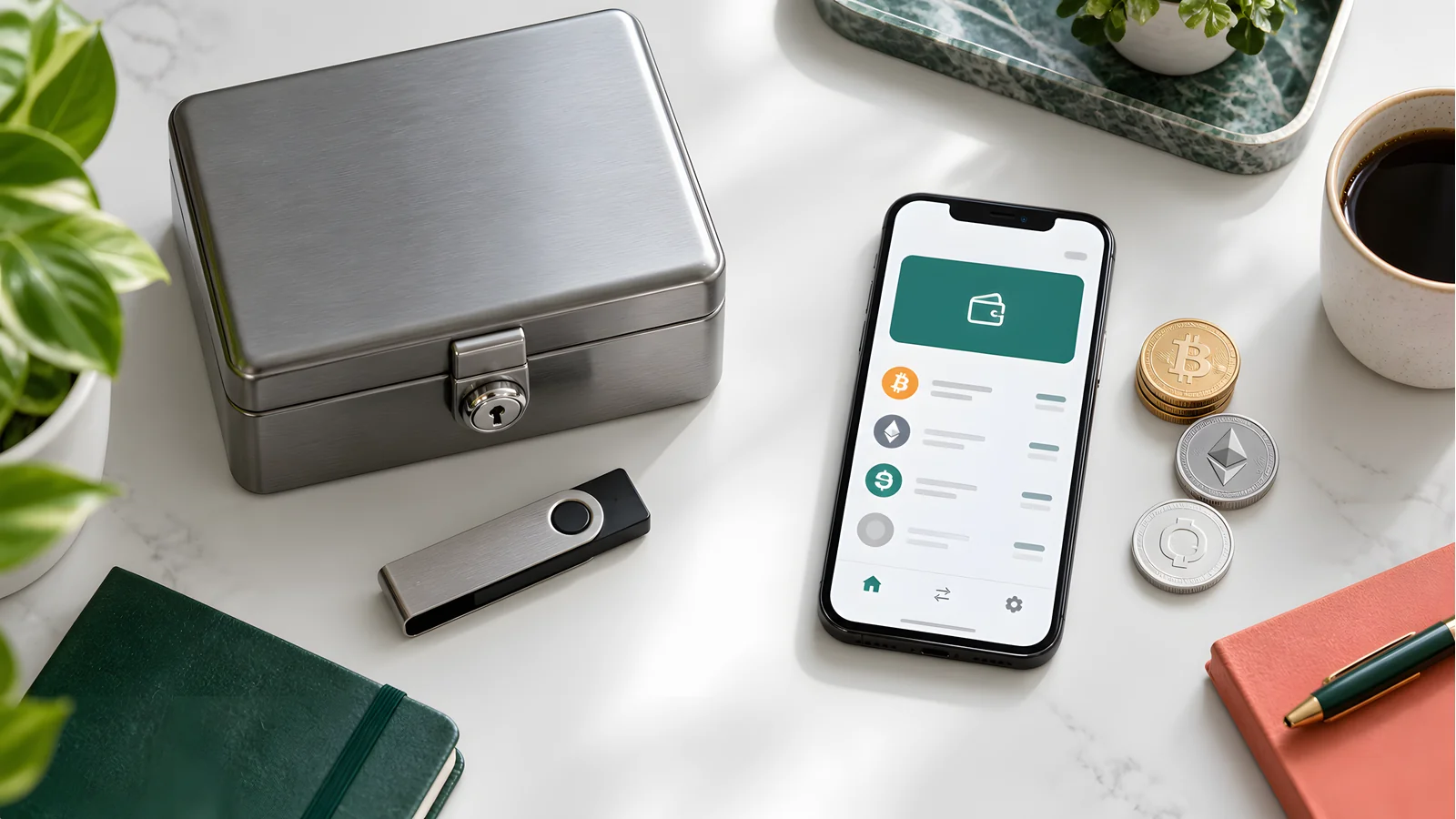
Our choice is not one or the other. It is two wallets with two jobs:
- Treasury: hardware wallet. Long-term holdings live behind the offline key. This wallet connects to a dapp rarely, and only to ones you have verified.
- Farming: a separate software wallet with a low balance. Daily quests, new protocols, and airdrop interactions happen here. Keep in it only what you can afford to lose, topping up from the treasury as needed. You can find active programs in our airdrop farming directory.
The rule that makes the split work: never sign farming transactions with the treasury wallet. The farming wallet exists to absorb the risk of unknown contracts and new sites. If a drainer empties it, the loss stops at the balance you chose to expose.
Never sign a surprise airdrop from your main wallet
Tokens that appear in your wallet uninvited, or DMs announcing you "won" an airdrop, often lead to a claim page that asks for a signature. That signature can be an approval letting the contract move your real tokens. Signing it from your main wallet hands the attacker your treasury. Treat every unsolicited claim as hostile until verified, and read our airdrop scam warning signs first.
Common mistakes and edge cases
- One wallet for everything. Savings and daily farming in the same hot wallet means one bad signature drains both.
- Trusting the hardware wallet to block bad approvals. It cannot; the device signs what you confirm. Verify the spender and allowance, and review standing approvals with a token approval checker.
- Buying second-hand or from marketplace sellers. Tampered or pre-initialized devices are a known theft vector. Buy from the official store and reject any device that arrives with a pre-filled recovery phrase.
- Photographing or cloud-syncing the seed phrase. A synced photo defeats cold storage. Keep the phrase on paper or metal, offline.
- Assuming the wallet holds the coins. Assets live on their networks; the wallet holds keys. A lost device with a good backup is an inconvenience. A lost backup is a total loss.
Printable checklist: splitting funds between wallets
- I bought the hardware wallet for long-term holdings from the official store.
- I wrote its recovery phrase down by hand and stored it offline, away from the device.
- I verified the backup through the wallet maker's official check process.
- I created a separate software wallet for farming with its own new seed phrase.
- The farming wallet holds only what I can afford to lose.
- Both wallets are labeled so I never sign a farming transaction with the treasury wallet.
- I reviewed and revoked stale token approvals on the farming wallet.
- No photos, cloud notes, or digital copies of either seed phrase exist.
- I treat unexpected tokens and airdrop DMs as red flags, not rewards.
- I set a date to review balances, approvals, and backup condition.
Hardware vs Software Wallet Questions
›Is a software wallet safe?
Safe enough for small, active balances, not for life savings. The key sits on an internet-connected device, so malware and phishing can reach it. Keep large holdings on a hardware wallet and use the software wallet for daily activity.
›Can I use both a hardware wallet and a software wallet?
Yes, and that is the setup we recommend. A hardware wallet protects long-term holdings while a separate low-balance software wallet handles daily DeFi and farming. Keep the balances sized to each wallet's risk.
›Is MetaMask a hardware wallet?
No. MetaMask is a software wallet: a browser extension and mobile app that stores keys on your device. It can connect to hardware wallets like Ledger and Trezor so the keys stay offline while MetaMask acts as the interface.
›What is a hot wallet vs a cold wallet?
A hot wallet keeps its keys on an internet-connected device, like a phone app or browser extension. A cold wallet keeps keys offline, usually on a dedicated hardware device. Hot is convenient; cold is harder to attack remotely.
›Do I need a hardware wallet for airdrop farming?
Not for the farming itself. Farming works fine from a software wallet, and that wallet should hold only a small balance. The hardware wallet is for the treasury you are farming toward, and it should never sign farming transactions.
›Can I still use a paper wallet?
You can redeem an old one by sweeping the full balance into a current wallet, but creating new paper wallets is discouraged. The Bitcoin wiki lists printer storage leaks, address reuse, and redemption errors as documented failure modes.
Sources and review method
The DeFi Farmer Research Desk compared the official pages of Ledger, Trezor, MetaMask, Rabby, and Phantom on September 9, 2026, along with the Bitcoin wiki's paper wallet documentation. We did not buy, unbox, or test any device, and we did not fill gaps from resellers or memory; the Trezor Safe 3 price is marked as not shown rather than guessed.
Primary references: Ledger Nano S Plus, Trezor Safe 3, MetaMask, Rabby, Phantom, and the Bitcoin wiki on paper wallets.
Product links carry no affiliate tracking parameters. The hero image is a custom editorial graphic, not a photograph of any product. This article is general security education, not financial, investment, or legal advice.
Keep reading
Related research
Is VeChain Supported on Trezor?
Is VeChain supported on Trezor wallet devices? No, as of September 9, 2026. See safe VET storage options and how to transfer crypto to a Trezor.
Best Ripple Hardware Wallet
Best Ripple hardware wallet picks for XRP self-custody: Ledger, Trezor, Tangem, and Ellipal compared with US prices, reserve rules, and safe receiving steps.
Trezor Wallet Review
Trezor wallet review: current lineup with US prices, secure element and backup differences by model, coin support gaps, and scam warnings.
Where to Buy a Hardware Wallet
Searched 'ledger near me'? Buy from the maker's official store or an authorized retailer like Best Buy. Dated prices, Amazon risks, and scam checks.
Get the next field guide
New protocol research, risk checks, and practical DeFi tools.