Best Ripple Hardware Wallet
Best Ripple hardware wallet picks for XRP self-custody: Ledger, Trezor, Tangem, and Ellipal compared with US prices, reserve rules, and safe receiving steps.

DeFi Farmer Research Desk
Sep 17, 2026 · 14 min read
In brief. For most XRP holders, the best Ripple hardware wallet is the Ledger Nano S Plus at $59: every current Ledger signer supports XRP through the Ledger Wallet app. Trezor Safe 3 matches it at $59, Tangem suits phone-first users, and Ellipal Titan 2.0 suits air-gapped setups.
On this page14 sections
The best Ripple hardware wallet for most XRP holders is the Ledger Nano S Plus at $59: Ledger supports XRP across its entire current signer lineup, and the Nano S Plus is the cheapest way in. The Trezor Safe 3, also $59, is the pick for buyers who prefer Trezor's open-source approach. Below: dated prices for every major option, plus the two XRP Ledger rules that surprise new buyers, the account reserve and destination tags.
US price and source check: September 9, 2026. These are research-based recommendations from official maker pages, not our own hands-on tests. Prices, stock, and reserve settings can change.
Pick a hardware Ripple wallet in one minute
| Your need | Our editorial choice | Listed US price |
|---|---|---|
| Lowest cost, broad app support | Ledger Nano S Plus | $59 |
| Open-source firmware, XRP in Trezor Suite | Trezor Safe 3 | $59 |
| No seed phrase on paper, NFC tap signing | Tangem two-card set | $59.90 |
| Fully air-gapped QR signing | Ellipal Titan 2.0 | $149 |
| Bluetooth and a bigger screen | Ledger Nano X | $99 |
| Touchscreen Trezor | Trezor Safe 5 | $129 |
Our preference: the Nano S Plus or Safe 3. Choose Ledger for smooth XRP account management, or Trezor if open-source firmware matters more to you. Premium devices add screens, not extra XRP safety. Our best hardware wallet 2026 roundup compares these brands across all coins; our Ledger Nano X review and Trezor wallet review go deeper on each maker.
XRP support and prices, compared
Prices come from the makers' official US store listings on September 9, 2026, before shipping, taxes, and bundles. We did not place orders.
| Device | XRP support | Listed US price | How XRP is managed |
|---|---|---|---|
| Ledger Nano S Plus | Yes | $59, in stock | Ledger Wallet app (formerly Ledger Live) |
| Ledger Nano X | Yes | $99, in stock | Ledger Wallet app, adds Bluetooth |
| Ledger Nano Gen5 | Yes | $179 | Ledger Wallet app, touchscreen |
| Ledger Flex | Yes | $249 | Ledger Wallet app, E Ink touchscreen |
| Ledger Stax | Yes | $399 with Recovery Key bundle | Ledger Wallet app, curved E Ink |
| Trezor Safe 3 | Yes | $59, in stock | Trezor Suite, plus MetaMask, Rabby, Exodus sync |
| Trezor Safe 5 | Yes | $129 | Trezor Suite, color touchscreen |
| Trezor Safe 7 | Yes | $249 | Trezor Suite, flagship model |
| Tangem (2-card set) | Yes | $59.90 | Tangem app over NFC; pairs with Xaman |
| Ellipal Titan 2.0 | Yes | $149 (compare-at $169) | Ellipal app over QR codes only |
View as table
| Hardware wallets with XRP support | Listed US price |
|---|---|
| Ledger Nano S Plus | 59.00 USD |
| Trezor Safe 3 | 59.00 USD |
| Tangem 2-card set | 59.90 USD |
| Ledger Nano X | 99.00 USD |
| Trezor Safe 5 | 129.00 USD |
| Ellipal Titan 2.0 | 149.00 USD |
| Ledger Nano Gen5 | 179.00 USD |
| Trezor Safe 7 | 249.00 USD |
| Ledger Flex | 249.00 USD |
| Ledger Stax bundle | 399.00 USD |
Ledger: full-lineup XRP support
Ledger's official XRP wallet page covers its current lineup: Stax, Flex, Nano Gen5, and the Nano classics. Management happens in the Ledger Wallet app, which Ledger says was formerly called Ledger Live; older guides still use the old name for the same companion app. Every transaction requires physical confirmation on the device.
Trezor: check the model before you buy
Trezor's official XRP coin page lists exactly three hardware wallets under "Trezor hardware wallets that support XRP": the Safe 7, Safe 5, and Safe 3. The Model One and Model T do not appear, and the store now sells only the Safe family. The Model One never supported XRP, so skip any marketplace listing that offers one for your XRP. XRP works natively in Trezor Suite, with MetaMask, Rabby, and Exodus sync also listed.
Tangem: cards, not cables
Tangem replaces the seed-phrase ritual with NFC cards that tap your phone. Tangem's own materials confirm native XRP Ledger integration with destination tag support, an EAL6+ certified chip, and official Xaman integration, so the card can sign for Xaman's deep XRP Ledger features. The pricing page listed a two-card set at $59.90 and a three-card set at $69.90 on our check date. The trade-off: the default setup has no written seed phrase at all. If you want a phrase you can store on metal seed phrase storage, Ledger, Trezor, or Ellipal fit that habit better.
Ellipal Titan 2.0: air-gapped, at a price
The Titan 2.0 product page describes a fully air-gapped device: no WiFi, Bluetooth, cellular, or USB data connection, with signing done by QR code on a 4-inch IPS touchscreen. Ellipal lists a CC EAL5+ secure chip, a 24-word BIP39 backup with passphrase, a 140 g metal-sealed body, and XRP among its supported assets. The store listed it at $149, marked down from $169.
Ledger's store showed every signer in stock, with the Nano X at $99 where older reviews still cite $149. Trezor's store navigation listed no Model One or Model T at all. We captured listed prices; we did not test checkout totals or delivery.
Two XRP Ledger rules every buyer must know
The reserve: part of your balance is locked
Your XRP does not live inside the device. XRP accounts exist on the XRP Ledger itself; the hardware wallet holds only the keys that control the account. Every account must hold a reserve, which the official XRP Ledger documentation lists as of September 9, 2026 as:
Base reserve per account
1 XRP
Required before a new address can receive anything
Owner reserve per object
0.2 XRP
Trust lines, offers, and similar ledger entries
Account deletion cost
0.2 XRP
Deleting an account recovers the remaining reserve
A new hardware wallet address cannot receive until it is funded with at least the 1 XRP base reserve, and that XRP stays locked while the account exists. An account showing 20 XRP with several trust lines has less than 20 XRP spendable; this is a protocol rule, not a wallet fee. One vendor blog we reviewed still claims a 10 XRP reserve, a stale figure. Validators set reserves by fee vote and can change them again, so treat any fixed number as dated. Deleting the account recovers the reserve minus a 0.2 XRP cost, per Ledger's XRP FAQ.
Destination tags: for exchanges, not for self-custody
A destination tag is a 32-bit number that tells an off-ledger system which customer a payment belongs to, per the XRP Ledger tags documentation. Exchanges funnel many customers into one deposit address, so they need the tag to credit you. Receiving at your own hardware wallet address needs no tag; your address is a dedicated account, not a shared one. Omit the tag when an exchange requires it, and the XRP can arrive at the exchange while your account is never credited.
Receive XRP on a hardware wallet, step by step
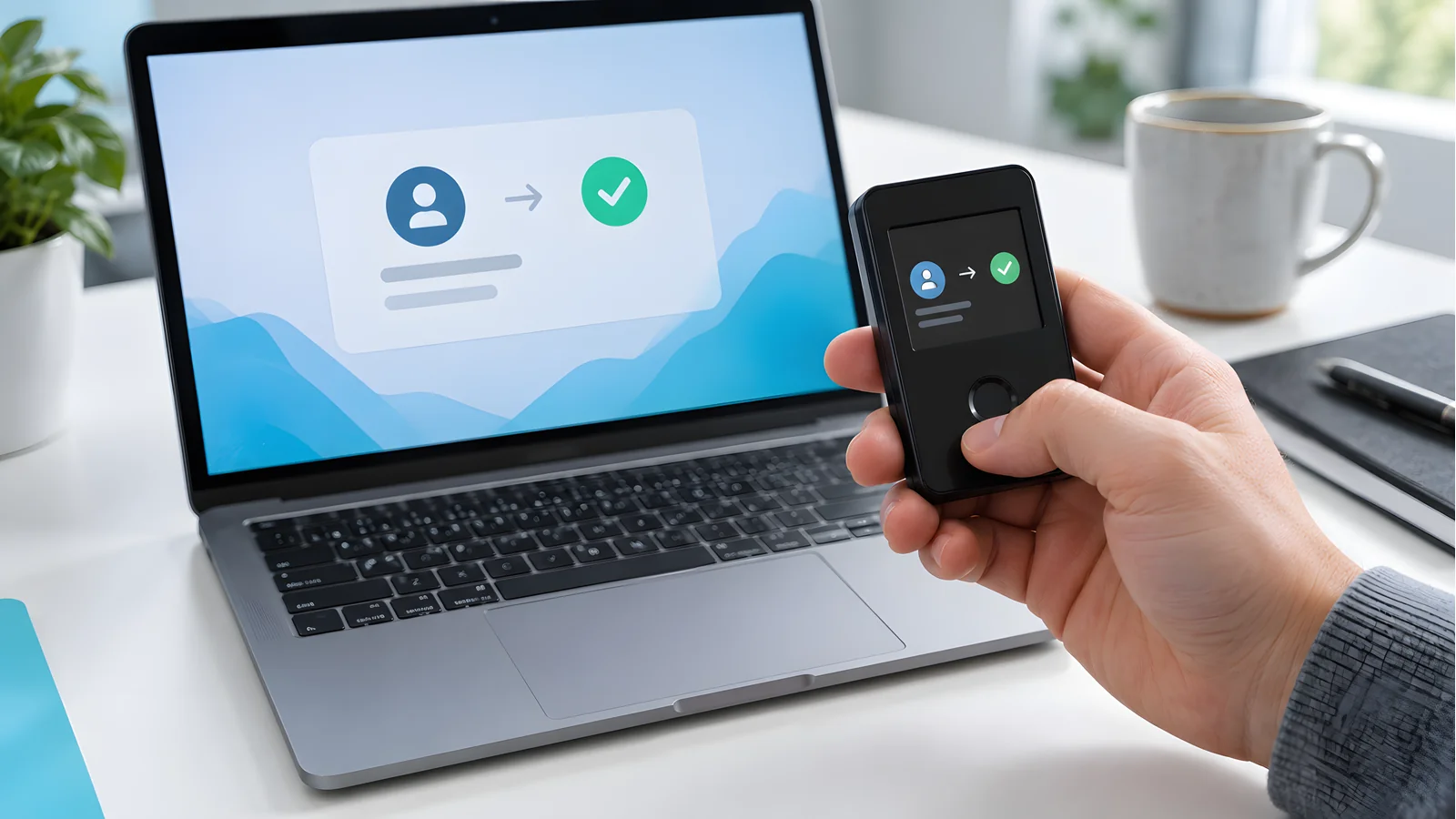
Generate the account in the official app
Add an XRP account in Ledger Wallet, Trezor Suite, the Tangem app, or the Ellipal app. Use only the maker's official software.
Verify the address on the device screen
Use the show-on-device or verify-on-device function. Confirm the address on the hardware wallet's own screen, not only on your computer or phone, which malware can tamper with.
Fund with a small test send
Send a small amount above the 1 XRP reserve, for example 2 to 3 XRP, from your exchange or old wallet. Confirm it arrives and the account activates.
Send the rest
Once the test lands and you can see the spendable balance, move the remainder. You cannot drain an active account to zero because of the reserve.
Fake XRP airdrops and signing requests
Scam pages claiming an "XRP airdrop", "Ripple rewards event", or "Ledger XRP bonus" ask you to sign a transaction or type your recovery phrase to "verify eligibility". No legitimate airdrop needs your 24 words, and your hardware wallet needs no verification to receive XRP. A signature on a malicious transaction can empty an account with a correct backup and a genuine device. Read our crypto airdrop scams and digital wallet scam guides before signing anything an airdrop page requests.
What about ERC20 tokens on the same device?
All four brands double as an ERC20 compatible hardware wallet. Ledger manages ERC20 tokens through its Ethereum account in the Ledger Wallet app. Trezor handles them in Trezor Suite and through MetaMask or Rabby sync, and its XRP page lists the XRPL EVM sidechain. Ellipal's product page lists Ethereum plus all ERC-20 tokens, MetaMask, and WalletConnect. Tangem supports the major EVM networks in its app. One seed phrase secures both XRP and Ethereum tokens on these devices; one compromised phrase endangers everything, so protect the backup accordingly.
Common mistakes and edge cases
- Buying a Model One for XRP. It never supported XRP. Only the Safe 3, Safe 5, and Safe 7 appear on Trezor's official XRP page.
- Testing with less than 1 XRP. The send can fail or leave the account inactive because of the base reserve.
- Confusing the reserve with a wallet charge. Locked XRP belongs to your account; the ledger holds it, not the wallet maker.
- Skipping on-device address verification. The companion app screen is what malware attacks; the device screen is the source of truth.
- Adding a destination tag to self-custody receives. It does nothing there and confuses senders. Reserve tags for exchange deposits.
- Buying from marketplaces. Use the official store or an authorized seller. Reject any device that arrives with a pre-printed recovery phrase.
- Trusting stale reserve numbers. At least one ranking article still says 10 XRP. The documented figure is 1 XRP, and it can change by validator vote.
Printable XRP hardware wallet checklist

- My chosen model appears on the maker's official XRP support page.
- I bought from the official store or an authorized seller.
- The device arrived without a pre-printed recovery phrase.
- I generated the XRP account in the maker's official app.
- I verified the receive address on the device screen itself.
- My test send was above the 1 XRP base reserve and arrived.
- I know my spendable balance is below my total balance because of reserves.
- I use a destination tag only when sending to an exchange that provides one.
- My recovery phrase is backed up offline, and no digital copy exists.
- I will ignore any airdrop or support message that asks for a signature or my phrase.
Ripple Hardware Wallet Questions
›Does Ledger support XRP?
Yes. Ledger's official XRP page covers its current lineup: Nano S Plus, Nano X, Nano Gen5, Flex, and Stax. You manage XRP in the Ledger Wallet app, formerly called Ledger Live, and every transaction is confirmed on the device.
›Does Trezor support XRP?
Yes, on the Safe 3, Safe 5, and Safe 7, per Trezor's official XRP coin page. XRP works natively in Trezor Suite. The Model One never supported XRP, and the Model T is absent from Trezor's current lineup, so check the model before buying second-hand.
›What is the XRP reserve?
A protocol rule that locks part of your balance. As of September 9, 2026, the XRP Ledger requires a 1 XRP base reserve per account plus 0.2 XRP per owned object such as a trust line. Deleting an account recovers the reserve minus a 0.2 XRP cost. Validators can change these numbers by fee vote.
›Do I need a destination tag for my Ledger?
Not for receiving. Your hardware wallet address is a dedicated XRP Ledger account, so anyone can send XRP to it without a tag. You need a destination tag only when sending XRP to an exchange or service that gives you one, because the tag tells their system which customer to credit.
›Can I keep ERC20 tokens on the same hardware wallet?
Yes. Ledger, Trezor, Tangem, and Ellipal all support Ethereum and ERC20 tokens alongside XRP. Trezor's XRP page also lists the XRPL EVM sidechain. One recovery phrase secures everything on the device, which makes the offline backup the critical point of failure.
›Is my XRP stored inside the hardware wallet?
No. XRP accounts live on the XRP Ledger. The device stores the private keys that authorize transactions. Lose the device and your backup restores access on a new one; lose both and no support team can recover the account.
›Can I get the 1 XRP reserve back?
Only by deleting the account entirely. The current account deletion transaction costs 0.2 XRP and returns the rest of the reserve. A deleted address must be re-funded with the base reserve to be used again.
Sources and review method
The DeFi Farmer Research Desk compared the official product, support, and store pages of Ledger, Trezor, Tangem, and Ellipal against the XRP Ledger's own documentation on September 9, 2026. We recorded listed US prices, stock status, stated certifications, and XRP support claims from those primary sources. We did not buy, unbox, weigh, or test any device. Where a page did not state a detail, we left it out rather than filling it from resellers.
Primary references: Ledger XRP wallet, Ledger Nano S Plus listing, Trezor XRP coin page, Trezor Safe 3, Tangem pricing, Tangem on XRP support, Ellipal Titan 2.0, XRP Ledger reserves, and XRP Ledger source and destination tags.
Prices and support lists change; recheck the linked pages before a large purchase. Product links carry no affiliate tracking parameters. The hero image is a custom editorial graphic, not product photography. This is general security education, not financial, investment, or legal advice.
Keep reading
Related research
Is VeChain Supported on Trezor?
Is VeChain supported on Trezor wallet devices? No, as of September 9, 2026. See safe VET storage options and how to transfer crypto to a Trezor.
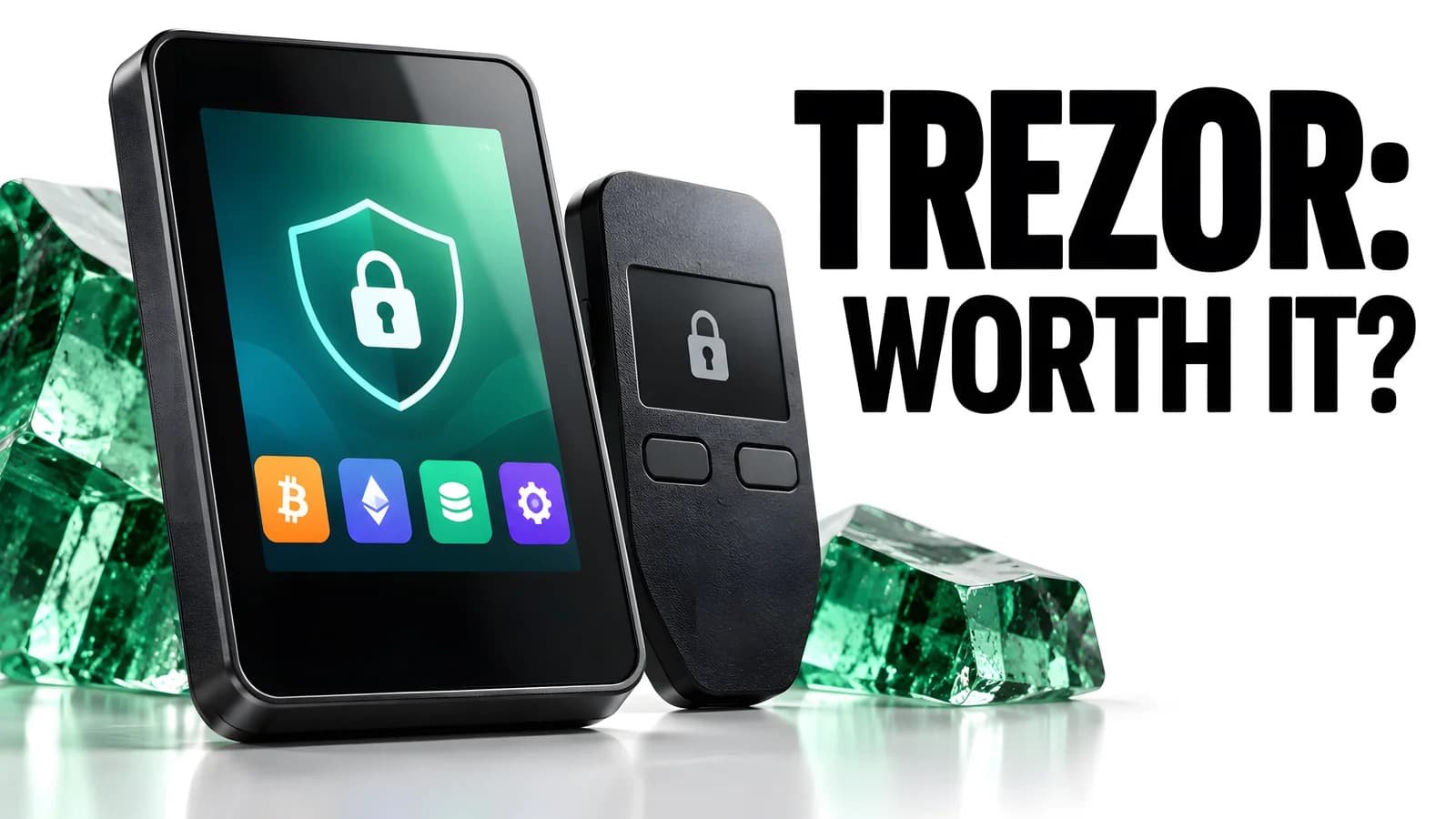
Trezor Wallet Review
Trezor wallet review: current lineup with US prices, secure element and backup differences by model, coin support gaps, and scam warnings.
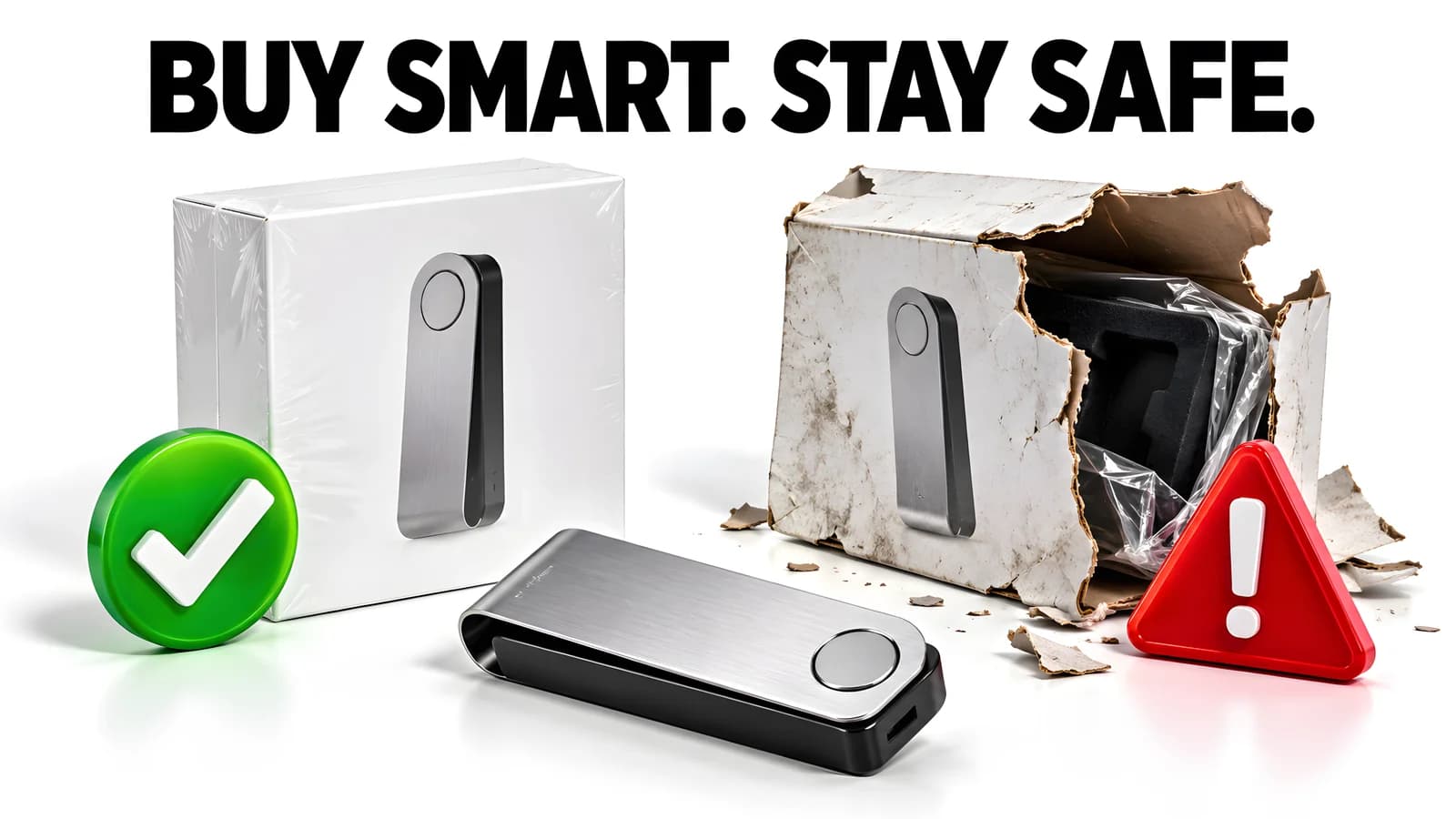
Where to Buy a Hardware Wallet
Searched 'ledger near me'? Buy from the maker's official store or an authorized retailer like Best Buy. Dated prices, Amazon risks, and scam checks.
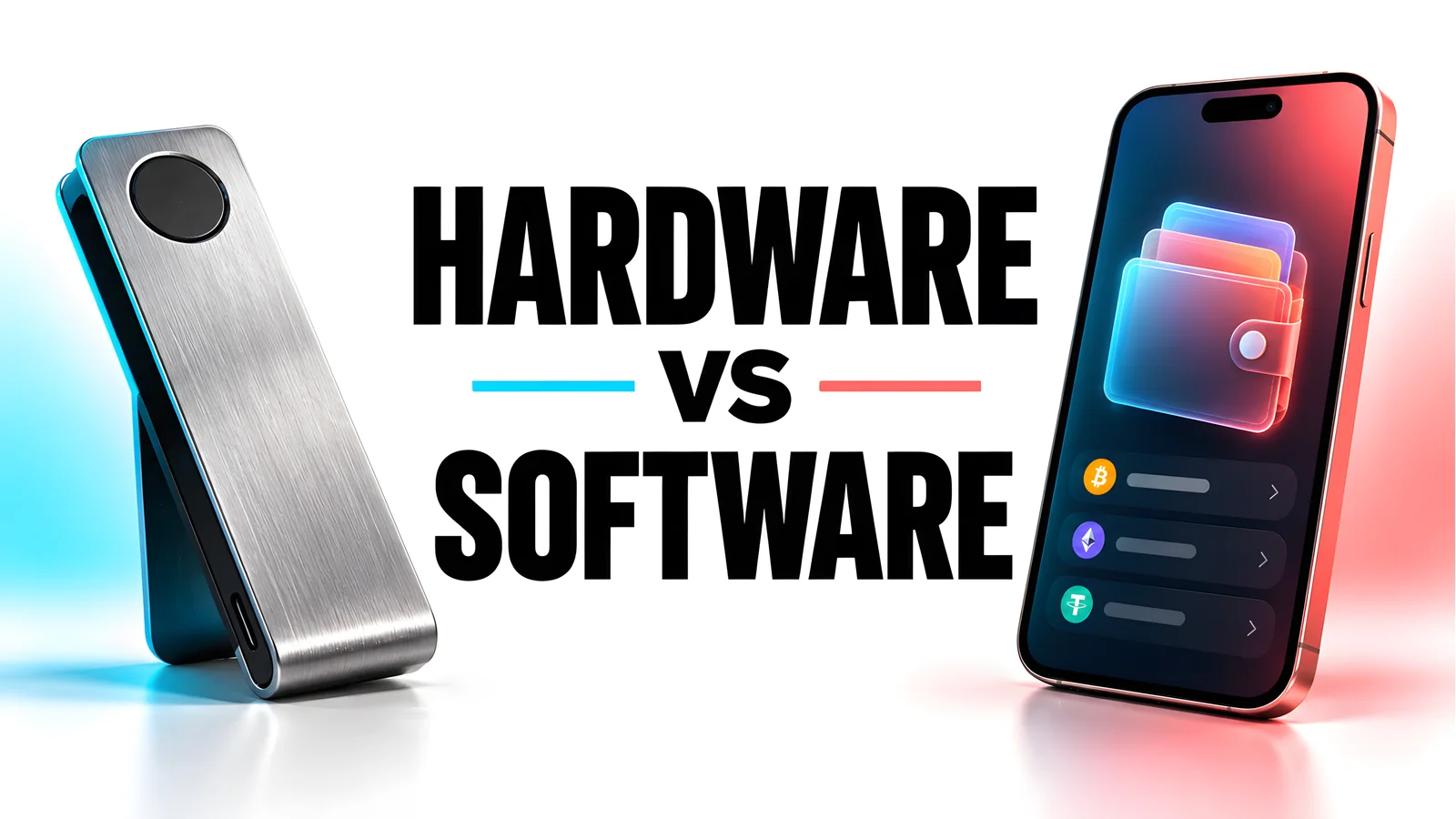
Hardware Wallet vs Software Wallet
Hardware wallet vs software wallet: where each one stores your private key, what they cost, and which setup fits savings and airdrop farming.
Get the next field guide
New protocol research, risk checks, and practical DeFi tools.