Trezor Wallet Review
Trezor wallet review: current lineup with US prices, secure element and backup differences by model, coin support gaps, and scam warnings.

DeFi Farmer Research Desk
Sep 16, 2026 · 13 min read
In brief. The Trezor lineup in September 2026 is the Safe 3 ($59), Safe 5 ($129), and Safe 7 ($249); the Model One and Model T left the official store in January 2026 but keep security fixes until at least 2036. Our choice for most people is the Safe 3, which pairs an EAL6+ secure element with fully open-source firmware at the lowest current price.
On this page13 sections
This Trezor wallet review covers the lineup as it exists in September 2026, which most Trezor wallet reviews still get wrong: the Model One and Model T left the official store on January 8, 2026, and the Safe 3, Safe 5, and Safe 7 now carry the range. Our verdict: the $59 Safe 3 is the right choice for most people, pairing an EAL6+ secure element with open-source firmware at the lowest current price. This is desk research from Trezor's official pages, not a hands-on test.
US price and source check: September 9, 2026. Prices, stock, and support terms can change.
Pick a Trezor in one minute
All current models share the Trezor Suite app and on-device confirmation. The differences are screen, connectivity, and price.
| Your situation | Our editorial choice | Main limit |
|---|---|---|
| Lowest price, current model | Trezor Safe 3, $59 | Monochrome screen, two buttons |
| Touchscreen for daily use | Trezor Safe 5, $129 | $70 more buys comfort, not extra coins |
| Wireless, premium build | Trezor Safe 7, $249 | Battery and Bluetooth to manage |
| Bitcoin only, forever | Bitcoin-only editions of Safe 3, 5, or 7 | No other coins on that firmware |
| You own a Model One or Model T | Keep using it; plan a move before 2036 | No secure element; Model One skips XRP, ADA, SOL |
Our preference: the Safe 3, because the secure element and full backup support matter more than a touchscreen for a device that mostly sits in a drawer. The full field is in our best hardware wallet 2026 roundup.
Current lineup: prices and specs
Prices come from the offer data on Trezor's official product pages, checked September 9, 2026, with all three listings in stock. We did not buy, hold, or measure any device.
View as table
| Trezor lineup, listed US price | Listed price |
|---|---|
| Safe 3 | 59 USD |
| Safe 5 | 129 USD |
| Safe 7 | 249 USD |
Trezor Safe 3: our choice for most people
The Safe 3 pairs a 0.96-inch monochrome OLED with a two-button pad and USB-C. Inside sits a certified EAL6+ secure element, and the firmware remains open for public audit. Backups cover 12-, 20-, and 24-word standards plus Multi-share Backup (SLIP39). The body is 59 x 32 x 7.4 mm at 14 g. The box holds the device, a USB-C cable, two 20-word backup cards, a guide, and stickers. Colors: Cosmic Black, Solar Gold, Stellar Silver, Galactic Rose, plus a Bitcoin-only edition. Official Safe 3 page
Choose it for: the lowest price with a secure element and every backup format. Skip it for: touch input or wireless use.
Trezor Safe 5: the touchscreen step up
The Safe 5 swaps buttons for a 1.54-inch color touchscreen with haptic feedback and Gorilla Glass 3, and adds a MicroSD slot. Trezor calls its secure element NDA-free EAL6+, so auditors can inspect its design without restrictions. Size is 65.9 x 40 x 8 mm at 23 g. Box contents and backup options match the Safe 3. Colors: Black Graphite, Green Beryl, Violet Ore. Official Safe 5 page
Our view: the $70 premium buys usability. Entering a passphrase on a touchscreen is the honest reason to upgrade; the certification class is the same.
Trezor Safe 7: wireless and quantum-ready
The flagship adds a 2.5-inch, 700-nit touchscreen, an aluminum unibody with IP54 dust and splash resistance, Bluetooth 5.0, Qi2 wireless charging, and a LiFePO4 battery. Security runs on three chips: the auditable TROPIC01 secure element, an Optiga EAL6+ secure element, and an STM32U5 controller. The boot process is signed with the SLH-DSA-128 post-quantum scheme, which is what "quantum-ready" refers to. It weighs 45 g. Official Safe 7 page
Our view: strong engineering, but the Safe 3 protects the same keys for $190 less. Buy the Safe 7 for the wireless workflow, not because the cheaper models are unsafe.
Model One and Model T: discontinued, still supported
Both classics left Trezor's e-shop on January 8, 2026, and remain at official resellers while stock lasts. Trezor commits to maintenance until at least 2031 and security fixes until at least 2036 for both, plus new coin support for the Model T until at least 2031. Official support lifecycle notice
Neither model has a secure element. The Model One backs up to a 24-word phrase only, with no SLIP39 option, and its old Model One White colorway page now returns a 404. Do not pay collector prices for one; the Safe 3 replaces it for $59. If you own one, it keeps working.
Trezor's store listing loads prices with JavaScript, so we read the offer data embedded in each product page: $59, $129, and $249, all in stock. The Model One page carries a "Discontinued" banner.
Pros and cons of the Trezor approach
Holds up
- Fully open-source firmware and design that anyone can audit, with 12 years of public history
- Certified EAL6+ secure element on every current Safe model, NDA-free on Safe 5 and auditable TROPIC01 on Safe 7
- On-device PIN and passphrase entry keeps secrets off your computer
- SLIP39 Multi-share Backup on all Safe models for threshold recovery
- A written support lifecycle: security fixes to at least 2036 even for discontinued models
Costs you
- No secure element on Model One or Model T, and no SLIP39 on Model One
- Model One misses XRP, Cardano, Solana, and several other networks
- No swap, send, or setup on iOS for Safe 3 and Safe 5; phone management is view-only there
- Box contains paper backup cards only; a metal backup costs extra
- Bluetooth and wireless charging exist only on the $249 Safe 7
Trezor Suite: the app half of the wallet
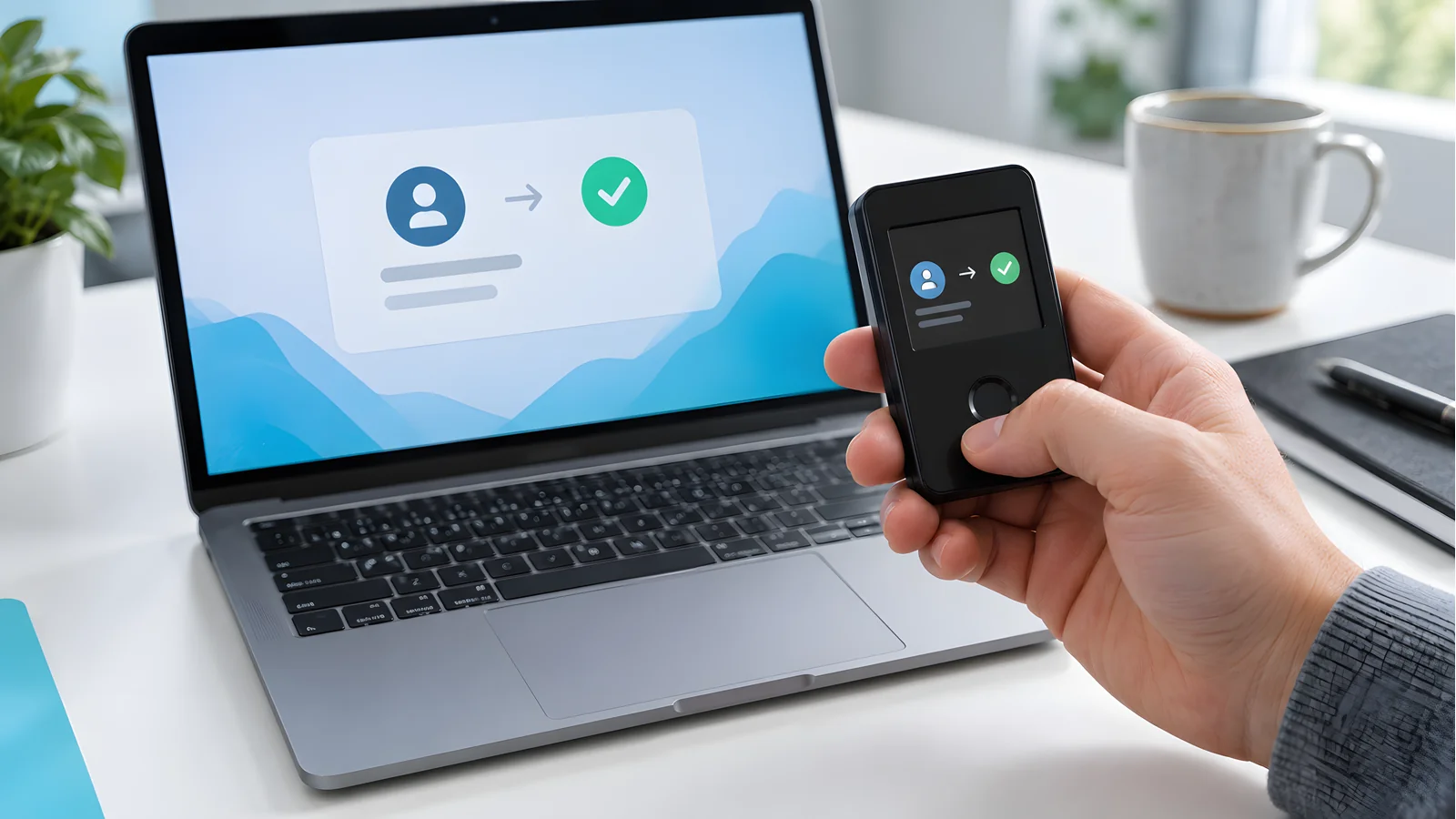
Trezor Suite is the official companion app on desktop, web, and mobile. It handles sending, receiving, buying, swapping, and staking, plus portfolio tracking, with coin control and Tor routing for privacy. Third-party apps such as MetaMask and NuFi cover chains and dApps Suite does not. Trezor Suite page
Two limits deserve attention. On iOS, Safe 3 and Safe 5 users get no swap, send, setup, or device management; the phone app is view-only there. And every transaction needs a physical confirmation on the device.
Backups: SLIP39, Shamir, and passphrases
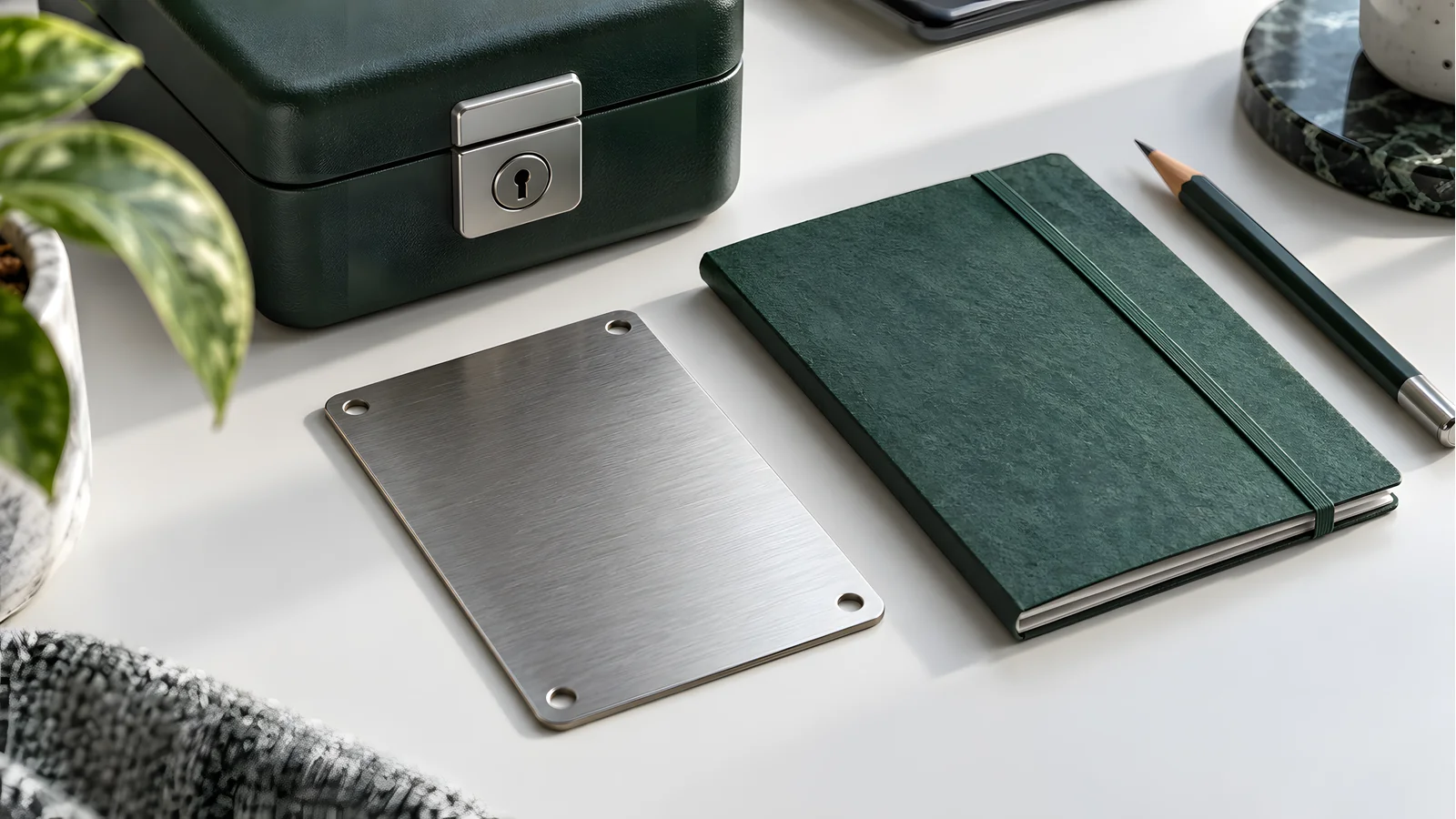
New Safe models default to a 20-word single-share backup, with an upgrade path to Multi-share Backup, Trezor's name for SLIP39. SLIP39 splits your recovery secret into multiple 20-word shares and restores only when a threshold you set is met, such as 2 of 3. The Model T pioneered this format; the Model One does not support it. Trezor backup standards
Every model also supports an optional passphrase, which derives a separate hidden wallet from the same backup. Case and spacing matter: a typo opens a different, empty wallet instead of an error. Use one only with a tested recovery plan.
The device is not the backup
A Trezor stores keys; it does not protect your recovery words from fire, water, or theft. The paper cards in the box are a starting point, not a plan. Record the backup, verify it, and move it to durable storage. Our seed phrase storage guide compares the options.
Coin support and the Model One gaps
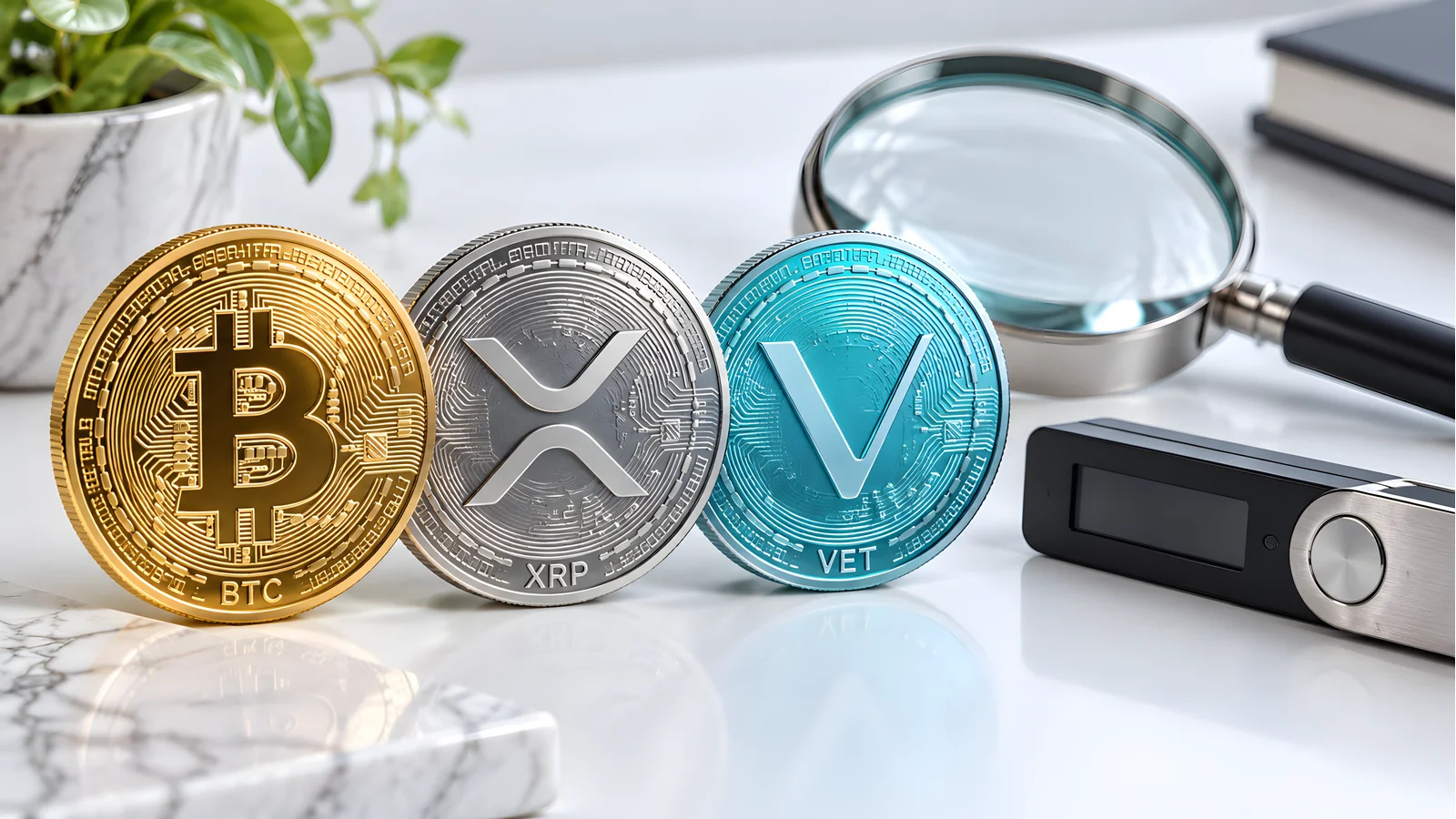
Trezor advertises thousands of supported coins, and the official supported coins page carries a per-model filter. Bitcoin, Ethereum, USDT, BNB, and USDC work on all models. XRP, Solana, TRON, Monero, Cardano, and Stellar are flagged for some models only.
The per-coin pages settle it: XRP and Cardano each name Safe 7, 5, and 3 as supporting devices, with neither Model One nor Model T listed. Older reviews still call XRP and ADA Model T territory; that is stale. Some assets have no Trezor route at all. VeChain is one, covered in is VeChain supported on Trezor. Check your exact assets before choosing a model.
Fake setup sites and marketplace units are the real risk
During our September 9, 2026 research, searches for Trezor setup terms returned lookalike pages impersonating the official start flow on unrelated domains. The real setup flow lives only on trezor.io, and no genuine process ever asks you to type recovery words into a website. Buy from the official store or listed resellers; our where to buy a hardware wallet guide explains why, and Trezor support number covers what real support never asks for.
Common mistakes and edge cases
- Buying a discontinued model new. A "new in box" Model One on a marketplace in 2026 is old reseller stock at best and a tampered unit at worst. The Safe 3 costs less.
- Trusting old review tables. Pre-2026 reviews price the Model T at $219 and call XRP a Model T feature. Both are stale.
- Treating a passphrase as recoverable. A forgotten passphrase has no reset. Test it before funding the hidden wallet.
- Skipping the backup check. Run the official check-backup on the device before funding it, and never type the words into any app, chat, or search box. For a Bitcoin-only alternative, see Coldcard vs Trezor.
Printable pre-purchase checklist
- My coins appear on the official supported-coins page for the exact model I am buying.
- The price matches the official product page today.
- I am buying from trezor.io or a listed official reseller, not a marketplace.
- The box seal is intact and the device asks me to install firmware on first setup.
- I have a private place to write the backup without cameras or onlookers.
- I completed the official check-backup before funding the wallet.
- My durable backup storage is chosen, not deferred.
- No photo, cloud note, or digital copy of the words exists anywhere.
Trezor Wallet Questions
›Is Trezor safe in 2026?
The current Safe models combine open-source firmware with a certified EAL6+ secure element, and Trezor commits to security fixes until at least 2036 even for discontinued devices. No hardware wallet removes the risks you control: a copied seed phrase, a signed malicious transaction, or a fake setup site will beat any chip. Treat the device as one layer of a plan that includes backup protection and link discipline.
›What is the difference between Trezor Safe 3 and Safe 5?
Both share the EAL6+ secure element, backup options, and coin support. The Safe 5 adds a 1.54-inch color touchscreen, haptic feedback, Gorilla Glass 3, and a MicroSD slot for $70 more. The Safe 3 uses two buttons and a monochrome OLED. Choose the Safe 5 if you enter passphrases often; otherwise the Safe 3 does the same security job for $59.
›Is Trezor open source?
Yes. Trezor publishes its firmware and design as fully open source on GitHub, and the Safe 5 and Safe 7 use secure elements whose designs auditors can inspect without restrictive NDAs. The practical benefit is independent verification: researchers can read the code that protects your keys instead of trusting a vendor claim.
›Does Trezor support XRP?
On the current lineup, yes: the official XRP page lists the Safe 7, Safe 5, and Safe 3 as supporting devices. The Model One does not support XRP, and the Model T was not listed on that page at our September 9, 2026 check. Confirm on the supported-coins page before buying if XRP matters to you.
›What is Shamir backup on a Trezor?
Trezor calls it Multi-share Backup, built on the SLIP39 standard. It splits your recovery secret into multiple 20-word shares and restores the wallet only when a set threshold of shares comes together, such as 2 of 3. It protects against a single lost or stolen share, at the cost of more records to maintain. All Safe models and the Model T support it; the Model One does not.
›Trezor vs Ledger: which should I pick?
One-liner: pick Trezor for fully open-source firmware and a lower entry price, pick Ledger for broader native coin support and mobile-first apps. Our best hardware wallet 2026 roundup scores both lineups side by side.
Sources and review method
The DeFi Farmer Research Desk compared Trezor's official product, store, coins, lifecycle, and FAQ pages on September 9, 2026, reading the offer data embedded in the product pages for US prices. We did not buy, unbox, weigh, or stress-test any device, and we did not verify checkout totals or reseller stock. Older reviews served only to identify stale claims.
Primary references: Safe 3, Safe 5, Safe 7, Model One, Model T, the support lifecycle notice, the supported coins index with its XRP and Cardano pages, Trezor Suite, backup standards documentation, and Trezor FAQs.
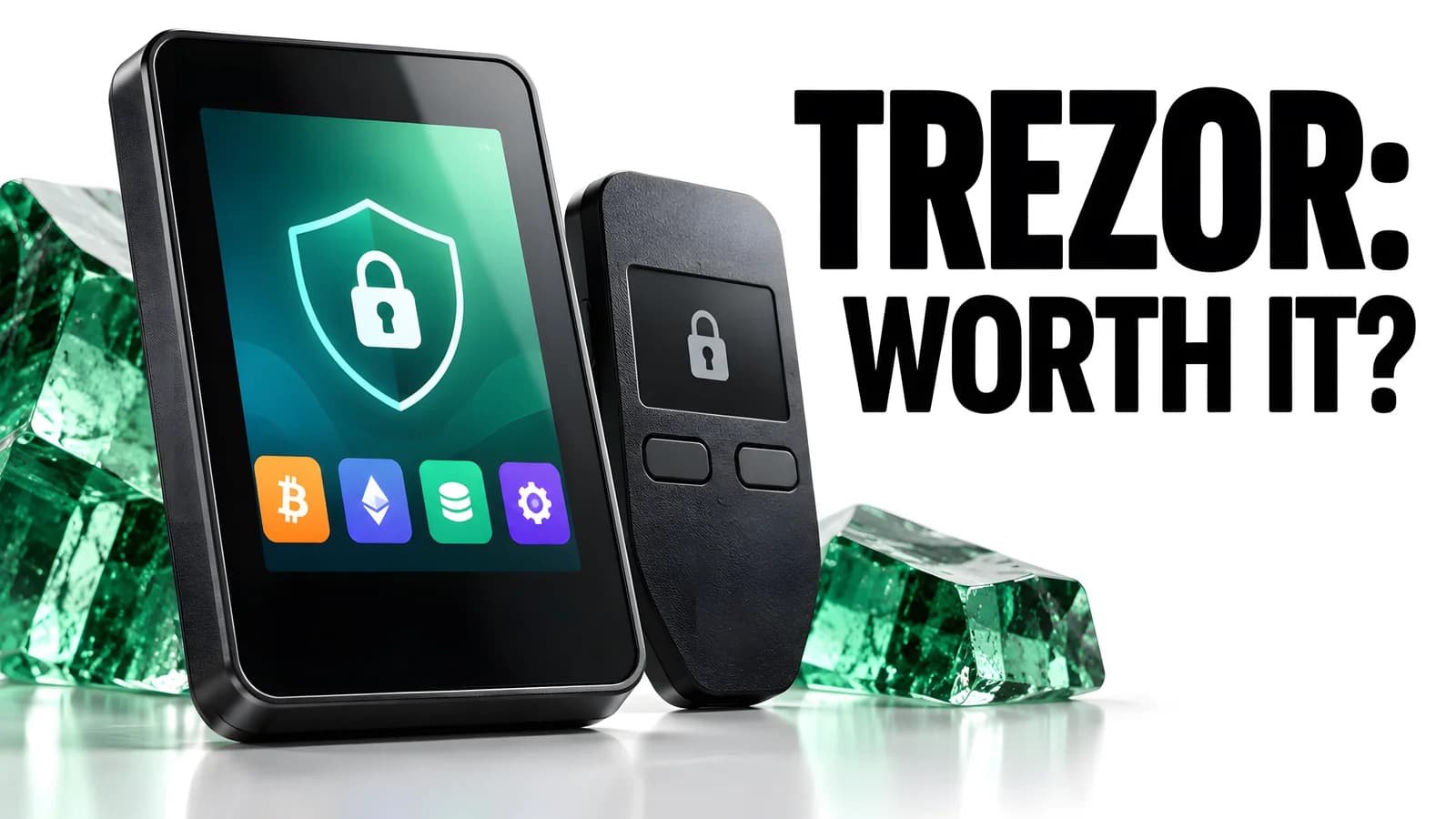
Prices and support commitments are dated snapshots that can change. Product links carry no affiliate parameters. The hero image is a custom editorial graphic, not product photography. This is general security education, not financial advice.
Keep reading
Related research
Best Hardware Wallet 2026
Best hardware wallet 2026 compared: Ledger, Trezor, Coldcard, Keystone, Tangem, BitBox02, Jade, and OneKey with current US prices, chips, and backup formats.
Is VeChain Supported on Trezor?
Is VeChain supported on Trezor wallet devices? No, as of September 9, 2026. See safe VET storage options and how to transfer crypto to a Trezor.
Best Ripple Hardware Wallet
Best Ripple hardware wallet picks for XRP self-custody: Ledger, Trezor, Tangem, and Ellipal compared with US prices, reserve rules, and safe receiving steps.
Ledger Nano X Review
Ledger Nano X crypto hardware wallet reviews: dated $99 price check, full specs, Bluetooth security, battery limits, and how it compares with the Nano S Plus and Flex.
Get the next field guide
New protocol research, risk checks, and practical DeFi tools.