Air-Gapped Hardware Wallet
What an air gapped hardware wallet is, why no Trezor is one, and how Ellipal, Keystone, Coldcard, and NGRAVE compare on price, transfer method, and openness.

DeFi Farmer Research Desk
Sep 12, 2026 · 14 min read
In brief. An air-gapped hardware wallet has no USB data, Bluetooth, WiFi, or NFC data path; transactions cross the gap as QR codes or MicroSD files. No Trezor model is air-gapped. Our choices are the Ellipal Titan 2.0 and Keystone 3 Pro at $149, or Coldcard for Bitcoin-only users.
On this page14 sections
An air gapped hardware wallet signs transactions on a device with no USB data, Bluetooth, WiFi, or NFC path to any online machine; unsigned transactions cross the gap as QR codes or MicroSD files, and signed results cross back the same way. One correction first, because it is the most searched misconception on this topic: no Trezor is air-gapped. Our picks as of September 2026 are the Ellipal Titan 2.0 and Keystone 3 Pro at $149 each, with Coldcard for Bitcoin-only users.
US price and source check: September 9, 2026. This is desk research from official maker pages, not a hands-on review. We did not buy, hold, or test any device. Prices, stock, and firmware terms change.
All product facts below come from the official maker pages linked in each section and in Sources.
What air-gapped means, precisely
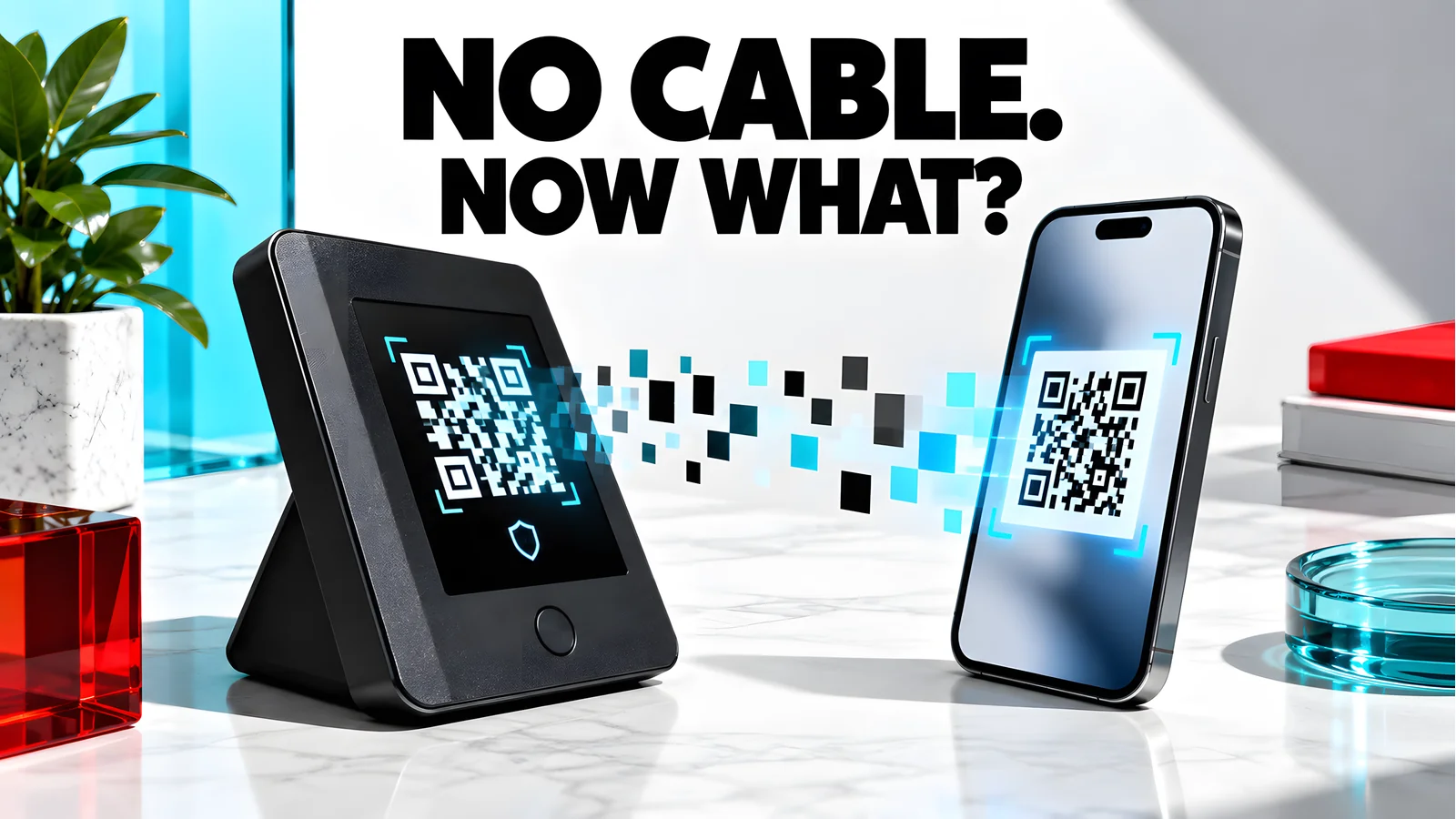
A hardware wallet is air-gapped when no electrical or radio data path exists between it and any internet-connected device. That rules out USB data lines, Bluetooth, WiFi, and NFC. A charge-only cable does not break the gap; a data line does.
The unsigned transaction enters through the device's camera as a QR code, or as a file on a MicroSD card. The signed result leaves the same way. Coinbase's air-gapped wallet explainer describes the same model, including partially signed transaction files such as PSBT for Bitcoin. Every hardware wallet keeps keys off the internet while signing; an air-gapped one also refuses a live connection while it does it.
Air-gapped wallets compared
Choose from this table in one minute, then read the sections for the caveats.
| Device | Transfer method | Screen | Battery | Listed price | Coin support | Firmware openness |
|---|---|---|---|---|---|---|
| Ellipal Titan 2.0 | QR only | 4-inch IPS touchscreen | 1400 mAh | $149 | 45+ blockchains, 10,000+ tokens | Closed; offline updates via adapter and microSD |
| Keystone 3 Pro | QR plus MicroSD | 4-inch color touchscreen | 1000 mAh (maker table, dated August 2024) | $149 | 5,000+ coins and tokens (maker table) | Maker claims hardware and software are open source |
| Coldcard Q | QR, MicroSD, NFC, virtual disk; all off by default | Large LCD, qwerty keyboard | 3x AAA, not included | $289 | Bitcoin only | Open source and reproducible |
| Coldcard Mk5 | MicroSD, NFC; off by default | Smaller than Q | Not stated on the checked page | $189 | Bitcoin only | Open source and reproducible |
| NGRAVE ZERO | QR only | 4-inch LCD touchscreen, 480 x 800 | Not stated on the checked page | 398 EUR; sold out at our check | 15 coins plus ERC-20 and ESDT tokens | Closed custom OS |
View as table
| Air-gapped wallet | Listed price |
|---|---|
| Ellipal Titan 2.0 | 149 USD |
| Keystone 3 Pro | 149 USD |
| Coldcard Mk5 | 189 USD |
| Coldcard Q | 289 USD |
Is a Trezor air-gapped?
No, and it matters because "air gapped Trezor" is searched hundreds of times a month. Trezor's own Suite page states that Safe 5, Safe 3, and earlier models rely on a wired connection, and that Safe 7 connects over Bluetooth. A USB data link and a Bluetooth radio both fail the definition above.
Trezor's model is different, not fake: physical confirmation on the device screen, keys that never leave the hardware, open-source design, and a certified EAL6+ secure element on models such as the Safe 3. That protects well against remote malware, but it is not the galvanic isolation a QR or MicroSD wallet provides. See our Trezor wallet review and Coldcard vs Trezor comparison.
The devices, from official pages
Ellipal Titan 2.0: QR-only, $149
The Titan 2.0 signs exclusively through QR codes. Ellipal lists a CC EAL5+ secure chip, an all-metal sealed body, and a self-destruct mechanism that wipes the device on physical tampering or disassembly. It measures 118 x 66 x 9.7 mm, weighs 140 g, carries a 4-inch IPS touchscreen and a 1400 mAh battery, and supports 45+ blockchains with 10,000+ tokens. Firmware updates stay offline through a security adapter and microSD card, and the companion app connects to MetaMask and WalletConnect dApps. Titan 2.0 specifications
Our view: the strongest simple choice for multi-chain holders who want a strict gap. We did not verify the tamper-wipe or coin-list claims; they are maker statements.
Keystone 3 Pro: QR plus MicroSD, open source, $149
Keystone's pitch is transparency: the maker says all of its hardware and software code is open source. The 3 Pro uses three secure element chips, a fingerprint sensor, and PCI-level anti-tamper that destroys internal data if the case is opened. Data moves by QR code or MicroSD, and firmware updates can run offline from a MicroSD card. Note that the device does have a USB port: WebUSB firmware updates require turning Air-Gap Mode off in settings, so keep that mode on during normal signing. The maker's comparison table on the page, dated August 2024, lists 5,000+ supported coins and a 1000 mAh battery. Keystone 3 Pro details
Our view: our preference for users who value auditable code, and the more flexible signer of the two $149 options given its MetaMask, Keplr, Solflare, and Safe integrations.
Coldcard Q and Mk5: Bitcoin-only, every port off by default
Coinkite's store listed the Coldcard Q at $289 and the Coldcard Mk5 at $189, both in stock on September 9, 2026. The Q adds a QR scanner, qwerty keyboard, dual MicroSD slots, and 3x AAA battery support (batteries not included); the Mk5 is the smaller MicroSD-and-NFC model and replaces the Mk4 in the current lineup. Every data path (QR, MicroSD, NFC, USB, virtual disk) ships off by default, and the firmware is open source and reproducible. Bitcoin only, no required companion app. Coldcard overview and store listing
Watch the optional paths: virtual disk is a USB data connection and NFC is a radio. A strict setup moves PSBT files by MicroSD or QR and leaves both disabled.
The Coinkite store carried Q and Mk5 but no Mk4. Both coldcard.com and the store showed a security advisory: seeds generated on firmware 4.0.1 (2021 and later) of Mk2 through Mk5 and Q are at risk; update firmware before generating a master seed. Fixed releases and independent checks sit on the Coldcard security status page. Read it before initializing any Coldcard.
NGRAVE ZERO: EAL7, and sold out at our check
NGRAVE claims the category's highest certification: CC EAL7, a custom OS, and a fingerprint sensor with an 8-digit PIN. The ZERO has no USB data, Bluetooth, WiFi, NFC, or 4G; its USB-C port is for wall charging and secure firmware updates. Screen: 4-inch, 480 x 800 touch; weight 214 g. Support covers 15 named coins plus all ERC-20 and ESDT tokens, with MetaMask and Rabby integrations for other EVM chains. ZERO specifications
The shop listed ZERO at 398 EUR, sold out during our check. It ships from Belgium, customs fees can apply outside the EU, and NGRAVE warns it sells only through its webshop and Amazon US. NGRAVE shop
What about the Ellipal Titan Mini and X Card?
Ellipal sells two siblings. The Titan Mini markets the same approach in a smaller body; the page we checked did not show its price. The X Card lists at $59 and uses NFC, so it fails the strict no-radio definition used here. Treat the Titan 2.0 as the air-gapped model in Ellipal's range.
Check the ports, not the slogan
"Air-gapped" is a marketing word until you verify it. Read the spec sheet for every port and radio: USB data, Bluetooth, WiFi, and NFC all break the gap. Ellipal updates over microSD, Keystone keeps a USB port for optional WebUSB updates, and Coldcard ships NFC and virtual disk modes off by default. A device with a disabled data path is air-gapped by configuration; one without any is air-gapped by construction.
How QR signing works
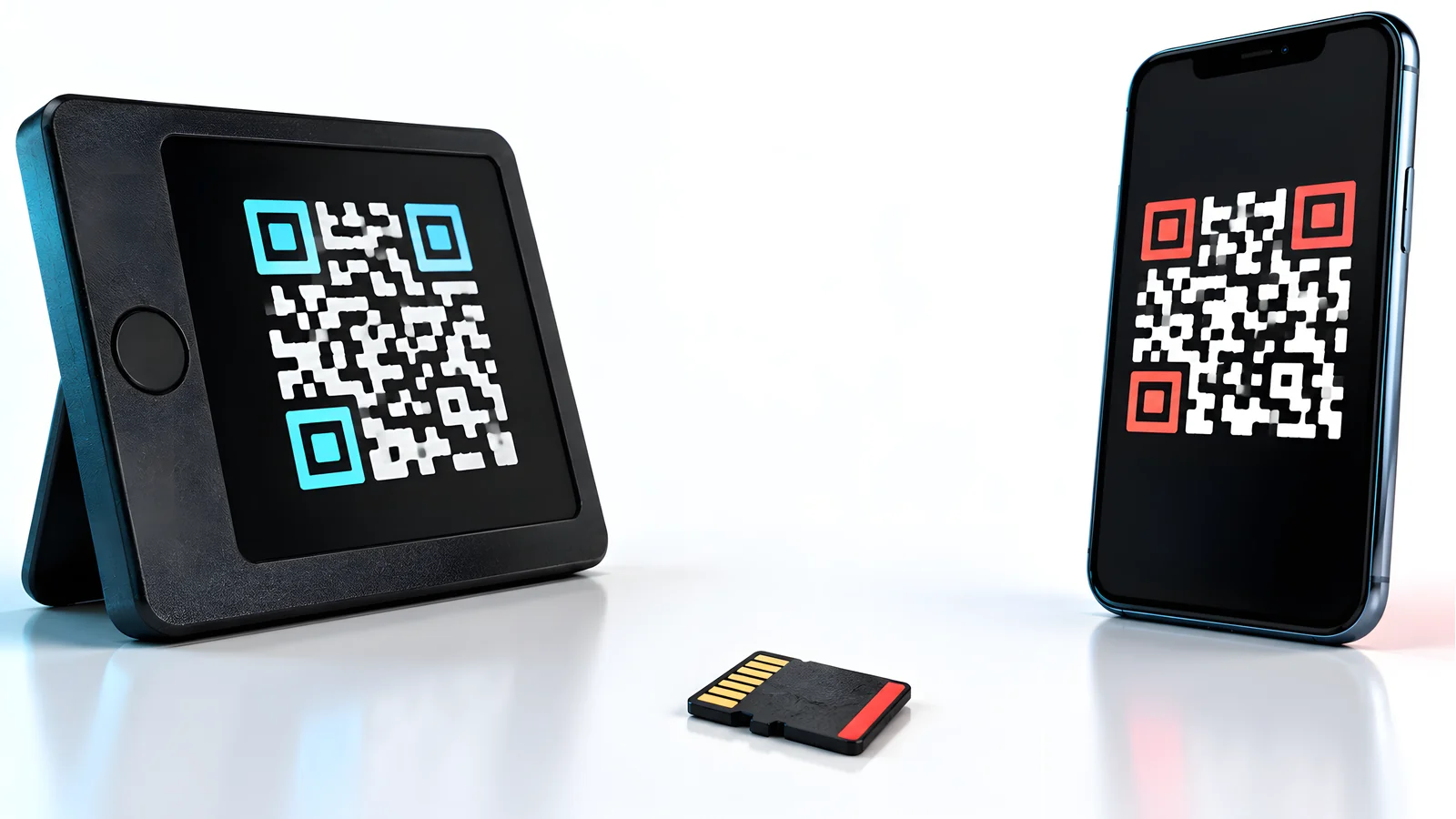
- 01
Build
The companion app on your phone or desktop creates the unsigned transaction.
- 02
Display
The app renders the transaction as a QR code or an animated QR series.
- 03
Scan
The wallet's camera reads the QR. The keys never touch the online device.
- 04
Verify and sign
Check the address and amount on the wallet screen, then confirm.
- 05
Return
The wallet displays a second QR code carrying the signature.
- 06
Broadcast
The app scans the signed QR and broadcasts it to the network.
The verify step is where security lives. A compromised computer can show one address in the app while encoding another into the QR. The wallet's own display is your independent check, so read the destination on the device, not in the app.
Hardware wallet staking with an air-gapped device
Staking works with air-gapped wallets, because staking is a signed transaction like any other: the companion app builds the stake transaction, the device signs offline, the app broadcasts. Ellipal states that swap, stake, and DeFi actions work with its offline-keys model, and Keystone shows staking-capable integrations such as Keplr and Solflare.
Two honest limits. Complex staking contract calls can exceed what a device screen decodes, so prefer setups with human-readable detail; Keystone advertises transaction decoding for this reason. And staking alone is no reason to buy air-gapped: Trezor Suite lists send, receive, trade, and stake over its wired connection too. Choose the gap for isolation, not for yield.
Edge cases and common mistakes
- Confusing "no internet" with "no data path." A wallet signing over a live USB cable is offline at the key level but not air-gapped. Know which one you bought.
- Leaving optional radios on. On Coldcard, a strict gap means MicroSD or QR only, with NFC and virtual disk disabled.
- Trusting the firmware file. Updates cross the gap too; download from the maker's official site and verify as instructed.
- Ignoring the seed. An air-gapped signer does not protect a photographed or phished recovery phrase. See our seed phrase storage guide.
- Buying from resellers. NGRAVE sells only through its webshop and Amazon US; prefer the official store for every brand here.
- Skipping the advisory check. Confirm your Coldcard firmware track on the maker's security status page before generating a seed.
Printable checklist

- The spec sheet shows no USB data, Bluetooth, WiFi, or NFC signing path, or those paths are present but disabled.
- I know how transactions cross the gap: QR, MicroSD, or both.
- I bought from the maker's official store or its named authorized channel.
- Firmware came from the official site and was verified per the maker's instructions.
- I checked the maker's security advisories for my model and firmware version.
- I verified a receive address and a small test send on the device screen.
- My recovery phrase is backed up offline and never photographed or typed into a website.
- I know which companion apps my device supports for the networks and staking I use.
Air-Gapped Wallet Questions
›Is a Trezor air-gapped?
No. Trezor states that Safe 5, Safe 3, and earlier models use a wired connection, and Safe 7 uses Bluetooth. Trezor's protection is on-device confirmation plus a secure element and open-source firmware, not a physical gap. If you want QR or MicroSD isolation, look at Keystone, Ellipal, or Coldcard.
›Are QR code hardware wallets safe?
They remove the live-connection attack surface, which is a real gain. They do not stop you from signing a malicious transaction, so the device screen remains the checkpoint. Camera-based transfer also depends on a well-designed QR format; Coldcard and NGRAVE both document theirs.
›Can an air-gapped wallet be hacked?
Yes, though the remote attack surface shrinks. Remaining risks include malicious transaction data crossing by QR, compromised firmware files, physical tampering, and a stolen or phished seed phrase. Air-gap is one layer, not a guarantee.
›Do air-gapped wallets support staking?
Yes. The companion app builds the staking transaction, the device signs it offline by QR or MicroSD, and the app broadcasts it. Ellipal and Keystone both describe this flow on their official pages. Prefer setups that decode the contract call on the device screen.
›Ellipal Titan vs Keystone 3 Pro: which is better?
Both list at $149 with 4-inch touchscreens and QR signing. Keystone claims open-source hardware and software, adds MicroSD transfers and fingerprint unlock, and shows deeper wallet integrations. Ellipal lists more blockchains and a sealed metal body with a tamper wipe. We lean Keystone for auditability, Ellipal for sealed simplicity.
›Is an air-gapped wallet worth it for a small balance?
Usually no. A wired hardware wallet with on-device confirmation already removes the most common remote-theft paths. Air-gapped devices cost more in money and in daily friction, and they make the most sense for larger long-term holdings.
Sources and review method
The Research Desk read the official pages for every device named here on September 9, 2026: Ellipal Titan 2.0, Keystone 3 Pro, Coldcard, the Coinkite store, the Coldcard security status page, NGRAVE ZERO, the NGRAVE shop, Trezor Suite, Trezor Safe 3, and Coinbase's air-gapped wallet explainer.
We did not buy, unbox, or test any device and placed no orders. Specifications and prices are maker statements dated to our check; unstated specs are marked, not filled from resellers. Product links carry no affiliate parameters. The hero image is a custom editorial graphic. For wired and wireless alternatives, see our best hardware wallets for 2026 roundup and the hardware wallet vs software wallet guide. This is general security education, not investment, legal, or insurance advice.
Keep reading
Related research
Is VeChain Supported on Trezor?
Is VeChain supported on Trezor wallet devices? No, as of September 9, 2026. See safe VET storage options and how to transfer crypto to a Trezor.
Best Ripple Hardware Wallet
Best Ripple hardware wallet picks for XRP self-custody: Ledger, Trezor, Tangem, and Ellipal compared with US prices, reserve rules, and safe receiving steps.
Trezor Wallet Review
Trezor wallet review: current lineup with US prices, secure element and backup differences by model, coin support gaps, and scam warnings.
Ledger Nano X Review
Ledger Nano X crypto hardware wallet reviews: dated $99 price check, full specs, Bluetooth security, battery limits, and how it compares with the Nano S Plus and Flex.
Get the next field guide
New protocol research, risk checks, and practical DeFi tools.